Publish & Duplicate Ads into Multiple Ad Sets
What’s new
We redesigned how ad sets are selected when publishing or duplicating ads.
What you can do now
Filter ad sets by last updated
Search across campaigns and ad sets
See how many ad sets exist per campaign
Select multiple ad sets more easily
What changed
We redesigned how ad sets are selected when publishing or duplicating ads. The modal is now clearer and easier to use, with filters and search in one place. You can filter by “last updated” to focus on recent ad sets, search across campaigns and ad sets, and see how many ad sets each campaign contains. Overall, it’s faster to navigate and much clearer which adset, ads will be published.
How to use it
Select ads to publish or duplicate
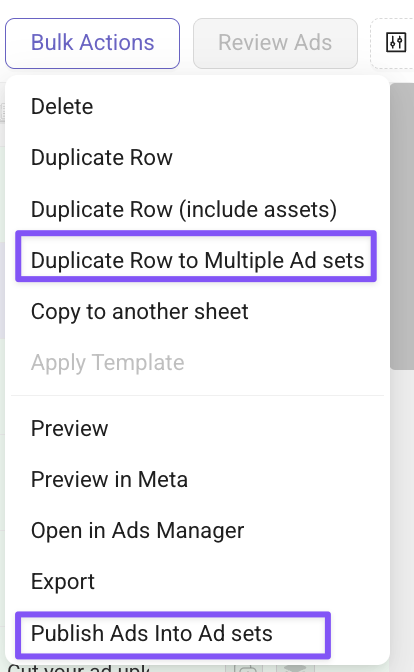
In Bulk Actions → Click Duplicate Rows (Draft mode) or Publish Ads (Live mode)
Use campaign and ad set filters together to refine your selection
Use search or “last updated” to focus on relevant ad sets
Select & Review the adset selection and proceed