
Asset Management & Bulk Import Improvements
What’s new
We’ve improved how assets are displayed and validated in Launch Sheets, and upgraded the bulk upload experience.
🗂️ Bulk Asset Import - Visual Board View
We’ve introduced a new visual board view to help you organize and manage assets more easily during bulk imports.
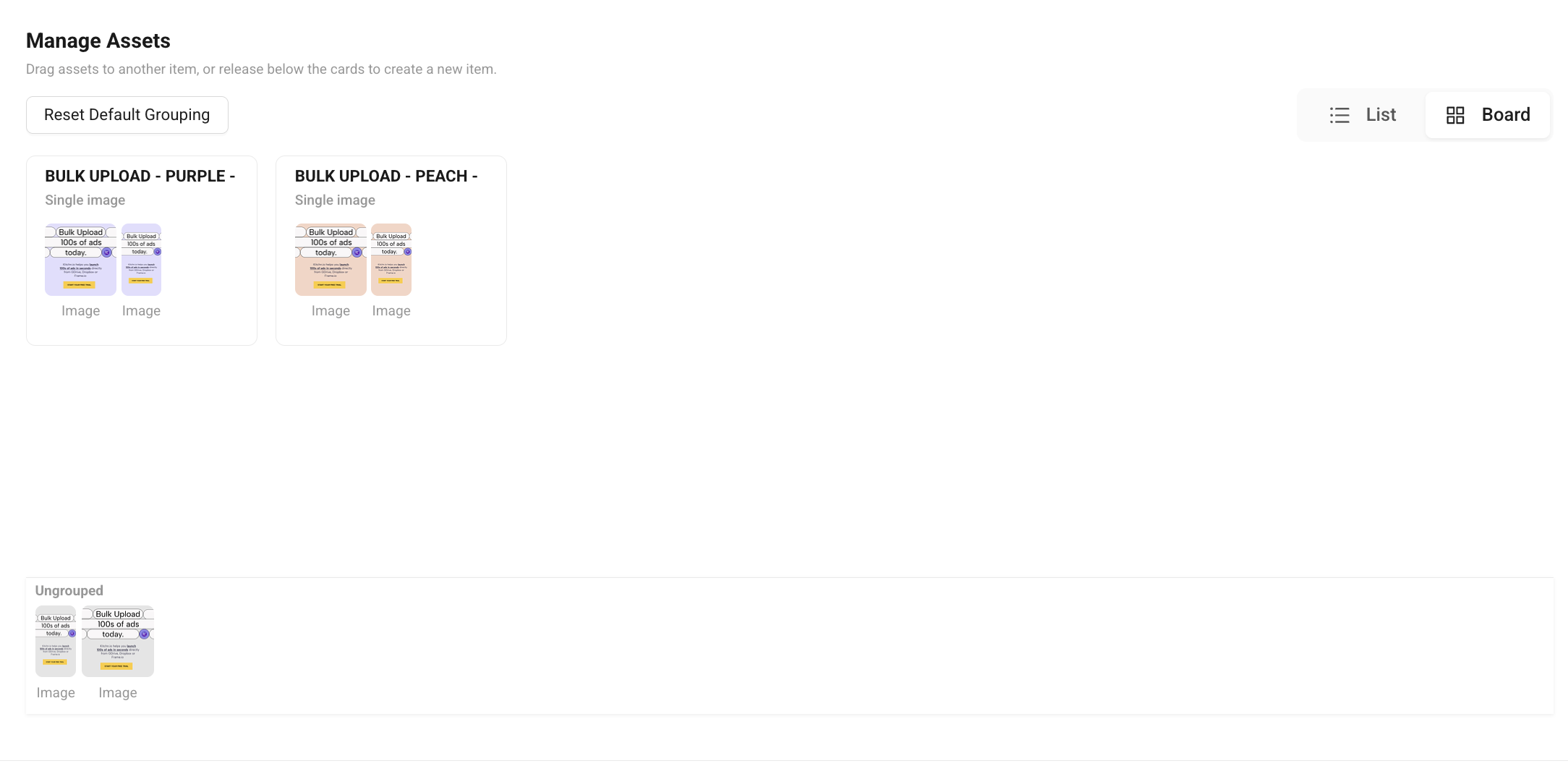
✨ What you can do now
Review assets more clearly before launching
Group assets visually using drag & drop
Reorder assets directly within groups
Easily identify and manage ungrouped assets
Create new groups on the fly
Adjust carousel asset order directly in the bulk import assets step.
🛠 How to use it
Open Bulk Import → Step 3
Select Board View
Drag assets into groups or create new ones
Reorder assets directly within the board
Why this matters
Less manual checking
Faster asset review
Easier bulk workflows
Better reliability