
Generate Preview Links Before Publishing Ads
You can now generate shareable preview links for your ads before publishing them.
This enables a smoother pre-launch review flow, allowing teams to validate creatives and gather feedback before going live.
What you can do now
Generate preview links before publishing ads
Share ads internally or with clients for review
Validate creatives without launching them
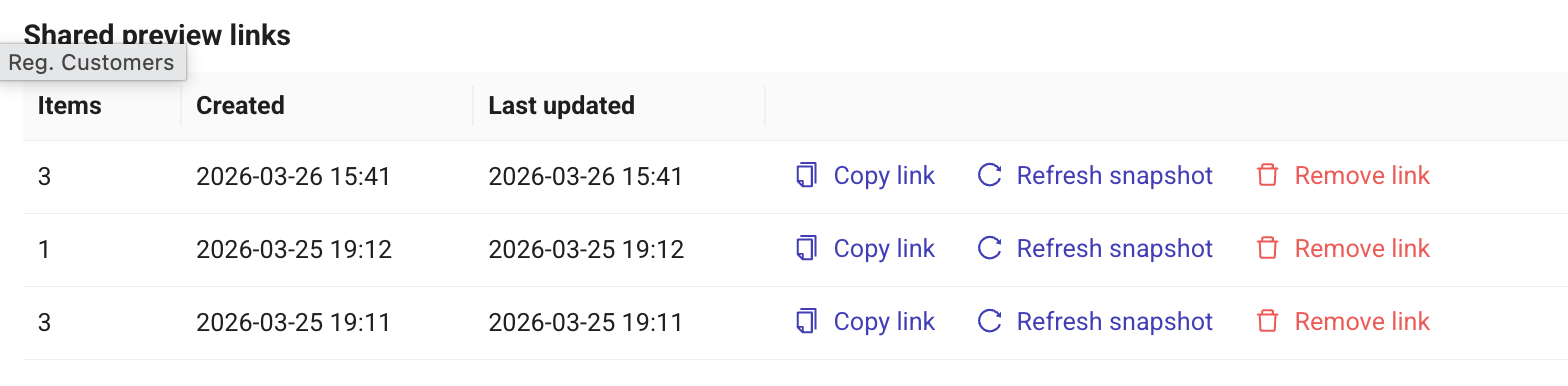
Refresh previews after making updates
How it works
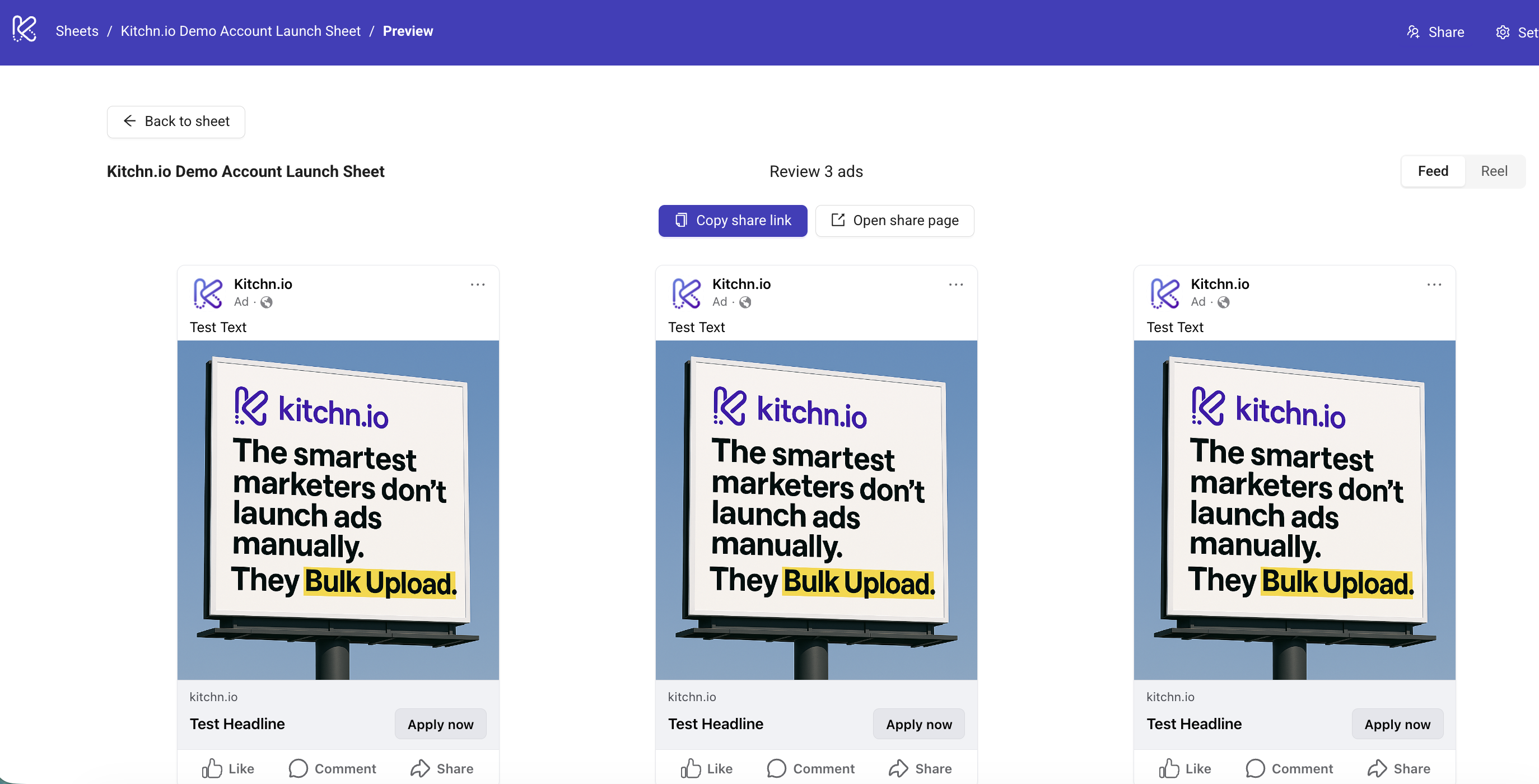
Preview links capture a snapshot of your ad and allow it to be reviewed externally before publishing.
How to use it
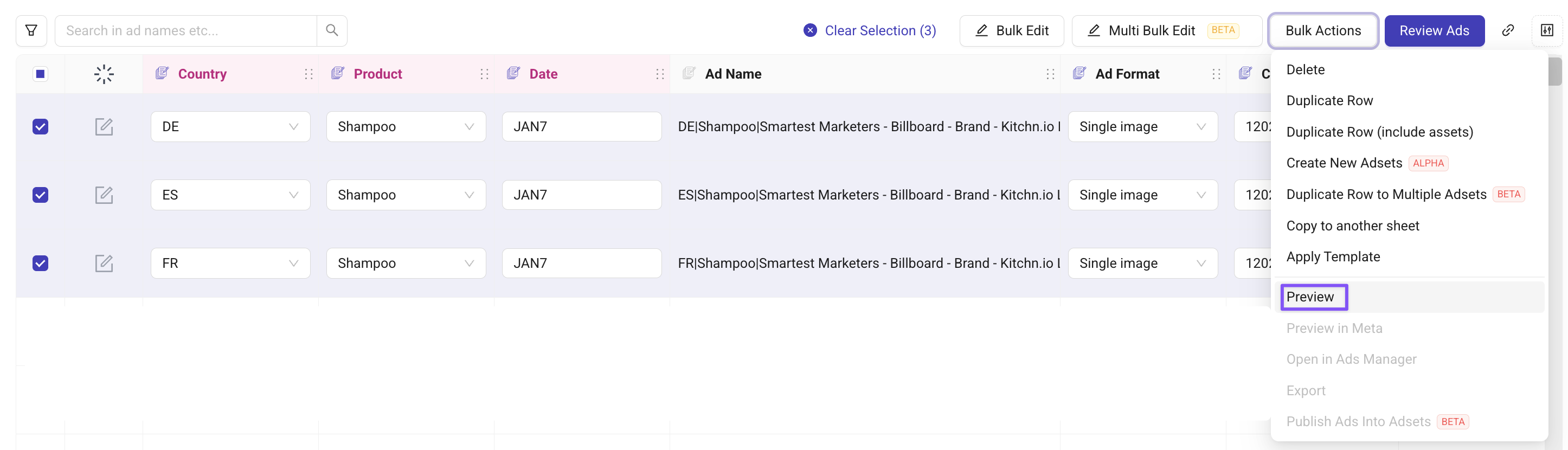
Select the ads you want to preview
Go to Bulk Actions → Preview
Click Copy share link and send it for review
If you make changes:
Open the preview again
Click Refresh snapshot
Good to know
This is designed for pre-publish review
After publishing, you can still use Meta preview links
Both Feed and Story views are supported
🔐 Want Access?
This feature is currently available on request.
👉 Contact support@kitchn.io or reach out via the support chat to request access.