
Duplicate Rows
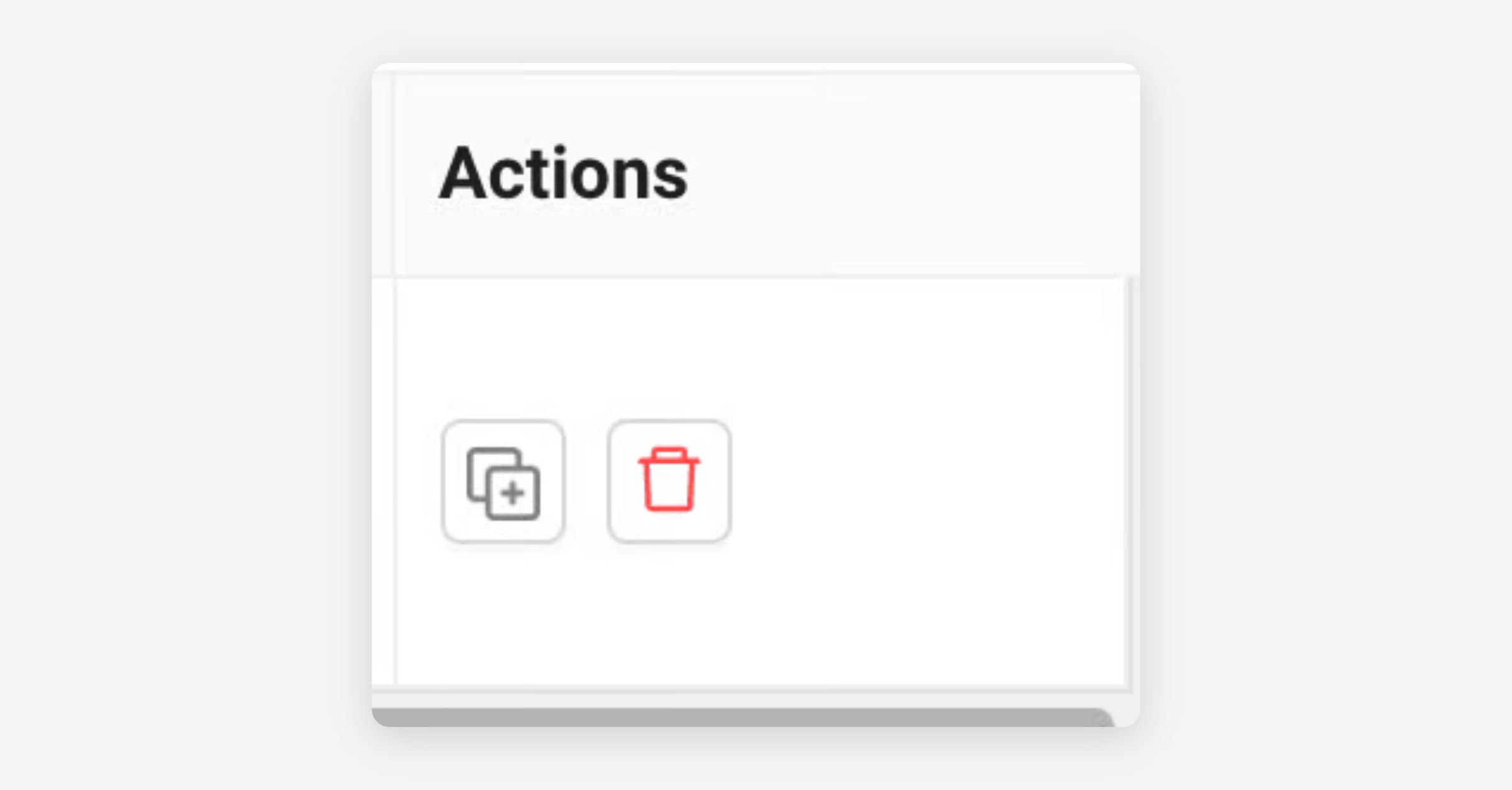
Click the Duplicate Row icon to copy values from an existing ad row (except assets) and prepare additional ads.
Duplicate Rows with Assets
Select the ads you want to duplicate, then go to Bulk Actions and choose Duplicate Row (Include Assets).
This action duplicates the selected ads along with all associated creative details, so you can reuse assets without re-uploading them.